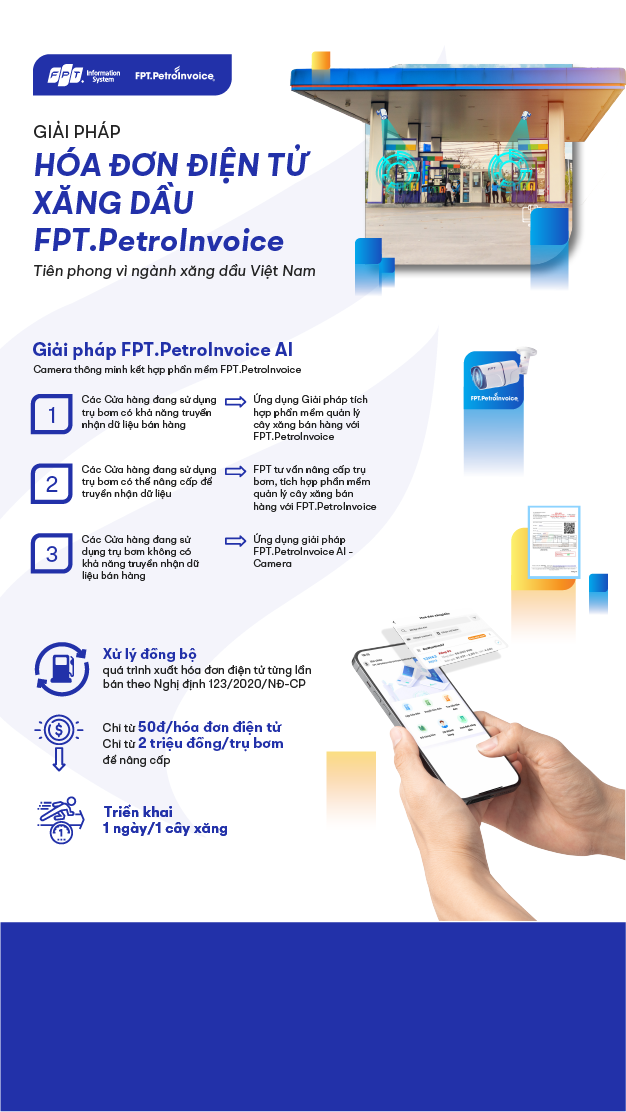
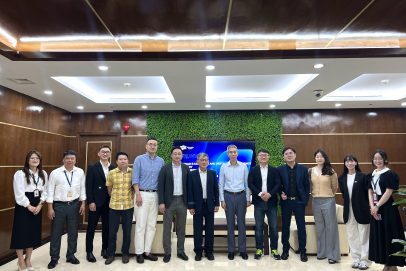
Việc tích hợp SAP và hệ thống trung gian với các phân hệ tự động hóa xuất hàng và quản lý sắp xếp phương tiện tại tổng kho Đức Giang đã đáp ứng tốt các yêu cầu quản lý, tạo thành quy trình tiên tiến, tự động khép kín, chính xác trong việc cấp xuất xăng dầu.
-
Bà Nguyễn Thị Minh Hiền
Phó Giám đốc công ty Xăng dầu Khu vực 1
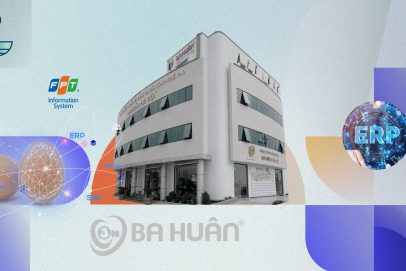
Sự hợp tác giữa hai bên mang tính bước ngoặt cho Ba Huân trong hành trình “chuyển mình” từ một doanh nghiệp nông nghiệp truyền thống thành doanh nghiệp nông nghiệp số, khẳng định triết lý luôn vì người tiêu dùng của Ba Huân. Qua đó góp phần tinh gọn bộ máy vận hành, giúp ban lãnh đạo sâu sát hơn trong khâu quản trị của doanh nghiệp. Nền tảng SAP S/4HANA tạo điều kiện để Ba Huân sẵn sàng cho giai đoạn tăng trưởng mới với tầm nhìn trở thành thương hiệu thực phẩm hàng đầu quốc gia, từ đó, tiên phong thúc đẩy ngành nông nghiệp – chăn nuôi sẵn sàng đầu tư hệ thống công nghệ cao.
-
Bà Phạm Thị Huân
Chủ tịch HĐQT Công ty Ba Huân
Giải pháp quản lý tổng thể ERP đã hỗ trợ giúp chúng tôi các vấn đề này, đồng thời cũng giúp Phaner giảm ngày tồn kho xuống khoảng 25% và giảm khả năng gián đoạn kho hàng xuống đến hơn 90%. Tính đến thời điểm này chúng tôi có thể nói là hài lòng với các kết quả đã đạt được trong giai đoạn vừa qua.
-
Bà Phạm Thị Thanh Thảo
Phó Tổng giám đốc Công ty CP Bánh kẹo Phạm Nguyên
Sự kiện chính thức đưa vào vận hành giai đoạn I hệ thống nguồn lực ERP SAP S/4HANA là dấu mốc quan trọng để dự án tiếp tục chuyển sang giai đoạn II với việc mở rộng ứng dụng sang các phân hệ chức năng khác, cũng như mở rộng quy mô sang các dự án bất động sản và các công ty thành viên. Bên cạnh đó, dự án cũng là đòn bẩy giúp TNR Holdings Vietnam hiện thực hóa mục tiêu trở thành doanh nghiệp bất động sản đi đầu trong chuyển đổi số.
-
Bà Phạm Thị Vân Hà
Chủ tịch HĐQT TNR Holdings Vietnam
Shinhan Life rất vui khi có cơ hội được là đơn vị bảo hiểm nhân thọ tiên phong cùng FPT IS triển khai hệ sinh thái số toàn trình cho hoạt động kinh doanh tại Việt Nam. Với vị thế là đơn vị công nghệ thông tin hàng đầu Việt Nam, FPT IS mang lại cho chúng tôi nhiều kỳ vọng về hiệu quả của dự án trong việc chuẩn hóa toàn bộ quy trình nghiệp vụ, đào tạo, kết nối chặt chẽ các bộ phận kinh doanh, góp phần gia tăng trải nghiệm cho người dùng. Dựa trên những hoạt động thực tế thông qua nền tảng công nghệ này, cấp quản lý sẽ dễ dàng nắm bắt các hoạt động của đội ngũ và có thể đưa ra những quyết định nhanh chóng, chính xác.
-
Ông Bae Seung Jun
Phó Tổng Giám đốc Shinhan Life Việt Nam
Hệ thống ERP là một trong những điểm nổi bật về sự đổi mới trong công tác quản trị của công ty. Hiện tại, dự án thành công bước đầu trong bối cảnh PVCFC hoàn thành vượt mức tất cả chỉ tiêu năm 2015. Chúng ta hiểu rằng khi dự án ERP thành công, PVCFC sẽ được nâng lên thêm một tầm cao mới. Sự kiện golive một lần nữa đánh dấu cột mốc mới trong suốt quá trình nỗ lực xây dựng, thực hiện dự án ERP.
-
Ông Bùi Minh Tiến
Giám đốc PVCFC
SAP ERP chính là nền tảng để Stavian sẵn sàng cho giai đoạn tăng trưởng mới. Với tầm nhìn trở thành Tập đoàn công nghiệp đa quốc gia thì việc chuyển đổi số là bước đi bền vững, không chỉ đem lại lợi nhuận cho doanh nghiệp mà còn tăng khả năng cạnh tranh của kinh tế Việt Nam trên thị trường quốc tế. Sự hợp tác với Tập đoàn FPT là một trong những bước tiến quan trọng trên hành trình đưa Tập đoàn Stavian trở thành Tập đoàn công nghiệp số hàng đầu tại Việt Nam và khu vực.
-
Ông Đinh Đức Thắng
Chủ tịch HĐQT Tập đoàn Stavian
Trong quá trình phát triển theo quản trị minh bạch, VietCredit nhận thức rất rõ về việc nâng cao hiệu quả trong việc quản trị cũng như xây dựng nền móng vững chắc, tạo tiền đề cho phát triển kinh doanh bền vững. Việc áp dụng giải pháp xác thực định danh điện tử bằng thẻ căn cước công dân gắn chip (FPT.IDCheck) sẽ giúp VietCredit tối ưu hóa hoạt động nghiệp vụ, tăng cường năng lực quản trị rủi ro, cải thiện chất lượng tín dụng. Đây là việc làm có ý nghĩa hết sức quan trọng trong việc thực hiện mục tiêu đưa VietCredit trở thành công ty tài chính hàng đầu Việt Nam.
-
Ông Hồ Minh Tâm
Tổng Giám đốc VietCredit
Trước khi triển khai hệ thống ERP, chúng tôi tự nhận mình là “ngợm”, làm ERP rồi mới thấy An Cường là “người”!
-
Ông Lê Đức Nghĩa
Tổng Giám đốc Công ty Cổ phần Gỗ An Cường
Tôi tin rằng mọi người đều rất phấn khởi khi lần đầu tiên MSB có được hệ thống quản trị nhân sự tự động, giúp toàn thể Ban Lãnh đạo và CBNV có thể vận hành, quản lý và nằm bắt thông tin liên quan đến nhân sự một cách đồng bộ, nhanh chóng, chính xác và hiệu quả.
-
Ông Huỳnh Bửu Quang
CEO MSB
Việc hợp tác với FPT sẽ thay đổi hoàn toàn diện mạo Động Lực trong thời gian tới. Sự phát triển và tăng trưởng mạnh mẽ cũng sẽ giúp Động Lực khẳng định tốt hơn vai trò trụ cột và tài trợ cho thể thao nước nhà.
-
Ông Lê Văn Thành
Chủ tịch HĐQT kiêm Tổng Giám đốc Động Lực Group
Chúng tôi phối hợp cùng FPT IS triển khai nhanh chóng ứng dụng bán hàng. Nhờ đó, khách hàng có thể tự đặt hàng qua ứng dụng tiện lợi. Khi có đơn hàng, Boston Pharma nhanh chóng tiếp nhận đơn hàng, chuẩn bị, xuất hoá đơn và giao hàng. Việc ứng dụng các hệ thống minh bạch giúp doanh nghiệp bình ổn giá, tuyệt đối không đẩy giá trước bối cảnh Covid-19
-
Ông Lương Đăng Khoa
TGĐ Boston Pharma
Tôi kỳ vọng vào sự hợp tác giữa Tập đoàn Đất Xanh và FPT trong công cuộc chuyển đổi số mà tôi cho là toàn diện và quy mô nhất. Công nghệ vẫn luôn là chìa khóa quyết định cho mọi cuộc chuyển mình quan trọng của các doanh nghiệp trong bối cảnh thời đại 4.0. Tôi tin rằng, sự đồng lòng của toàn bộ hệ thống tập đoàn sẽ là sức mạnh tổng hòa giúp Đất Xanh thay đổi toàn diện, vươn tới khát vọng trở thành tập đoàn kinh tế tư nhân hùng cường của Việt Nam trong tương lai.
-
Ông Lương Trí Thìn
Chủ tịch Tập đoàn Đất Xanh
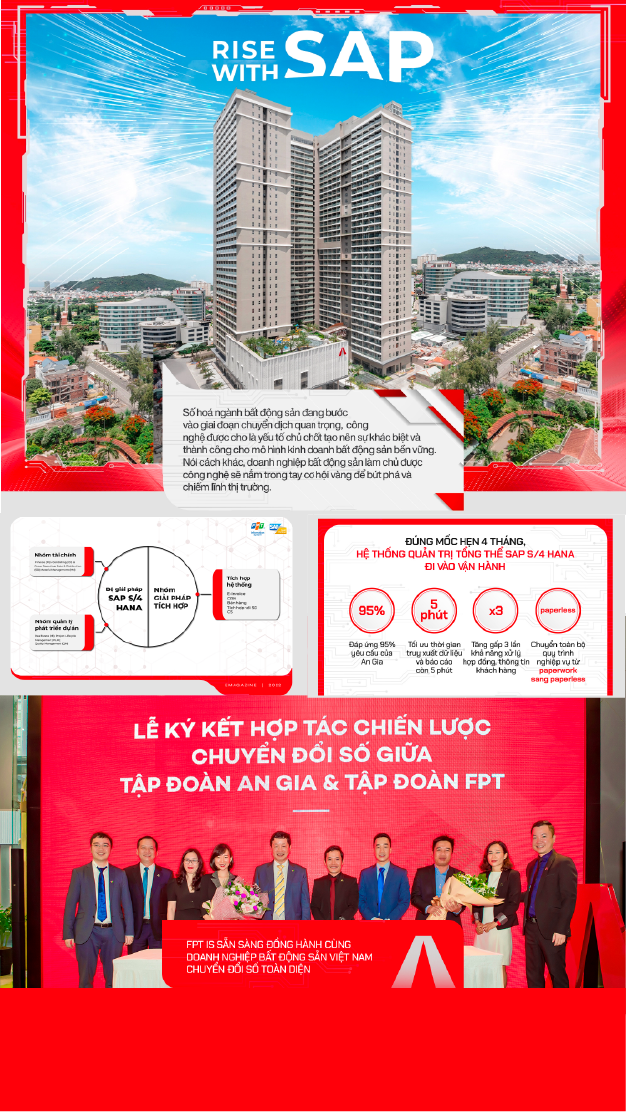
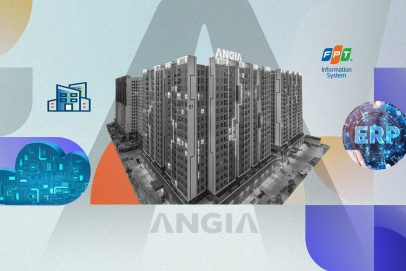
Ứng dụng thành công RISE with SAP là kế hoạch quan trọng trong mục tiêu chuyển đổi số của An Gia, thể hiện sự kiên định với chiến lược phát triển của đội ngũ ban lãnh đạo trong bối cảnh nền kinh tế chịu nhiều tác động của Covid-19. Trong tương lai, hệ thống này sẽ mang lại một nền tảng quản trị tối ưu, giúp mở ra những cơ hội phát triển đột phá, từng bước đưa An Gia trở thành nhà phát triển BĐS uy tín hàng đầu tại Việt Nam.
-
Ông Nguyễn Bá Sáng
Chủ tịch HĐQT Tập đoàn BĐS An Gia
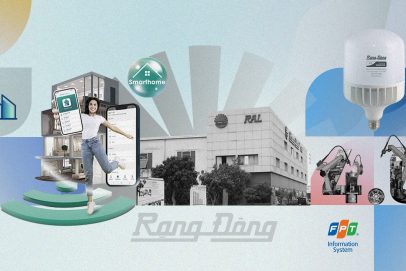
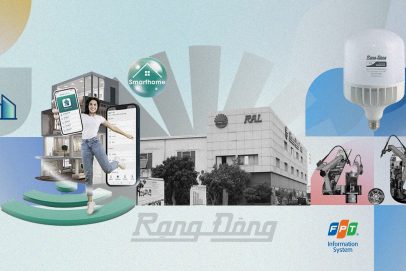
Nhờ chuyển đổi số, Rạng Đông nâng cao khả năng thích ứng với môi trường và thị trường trong thời đại VUCA. Các hệ thống DMS cho đến CRM đều là hệ thống công nghệ lớn, đòi hỏi được tích hợp phù hợp với doanh nghiệp, chính vì vậy đã được FPT IS “may đo” với đề bài Rạng Đông đặt ra, từng bước ứng dụng và triển khai trong hệ thống doanh nghiệp, trở thành trung tâm điều hành số trong sản xuất, kinh doanh với dữ liệu chuẩn, đồng nhất, giúp doanh nghiệp quản trị và theo dõi theo thời gian thực.
-
Ông Nguyễn Đoàn Kết
Phó Chủ tịch HĐQT kiêm Phó Tổng Giám đốc Rạng Đông
Nhờ chuyển đổi số, Rạng Đông nâng cao khả năng thích ứng với trong thời đại VUCA, từ đó mở rộng không gian tăng trưởng, tham gia mô hình đa kênh, kinh tế nền tảng, tạo ra hệ thống mạng lưới tăng trưởng theo cấp số nhân, mô hình kinh doanh mới
-
Ông Nguyễn Đoàn Kết
Phó Chủ tịch HĐQT kiêm Phó Tổng Giám đốc Rạng Đông
Hệ thống hoạt động đã giúp chúng tôi kiểm soát được số liệu tồn kho, chất lượng, tiến độ sản xuất, doanh thu, chi phí, công nợ chung của tập đoàn một cách tức thời. Điều này hỗ trợ rất hiệu quả cho lãnh đạo, quản lý và nhân viên của tập đoàn.
Hệ thống ERP Oracle là một công cụ quan trọng giúp chúng tôi thực hiện sứ mệnh và các định hướng đã đề ra, phát huy những truyền thống và thế mạnh vốn có nhằm tiếp tục nâng cao hơn nữa vị thế của tập đoàn, trở thành một trong những doanh nghiệp hàng đầu trong lĩnh vực nông nghiệp.
-
Ông Nguyễn Hiếu Liêm
Phó Chủ tịch HĐQT Anova Corp